GUI
eso_app.py is a PyQt5 application that wraps the full ESO pipeline. It configures settings, launches runs, and embeds a TensorBoard launcher.
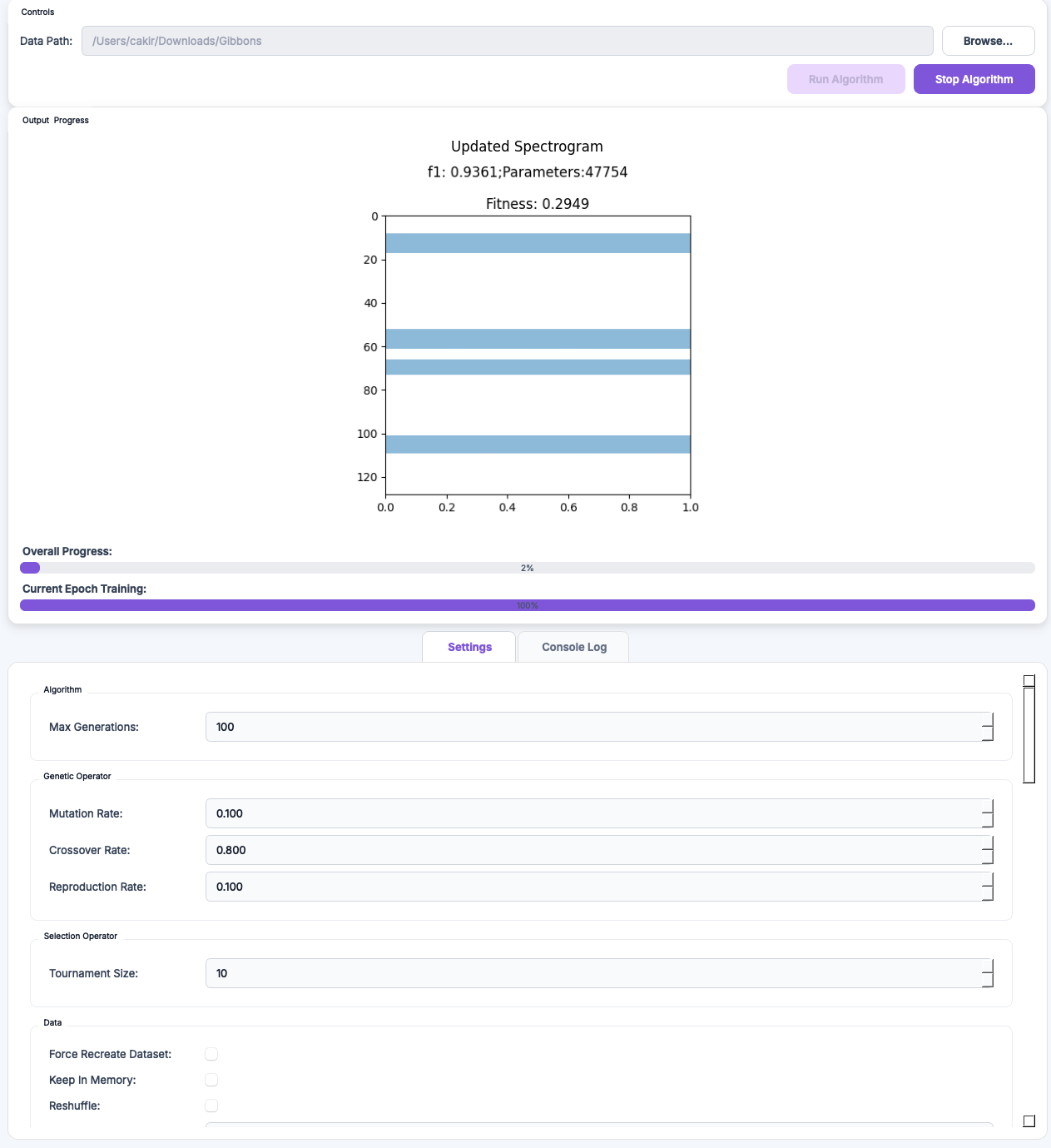
Launch
From the repository root:
The GUI requires a display server. On a remote host, use X forwarding or VNC.
Panels
The interface follows the pipeline.
- Data. Audio directory, annotation file type, positive and negative class names.
- Preprocessing. Sample rate, low-pass cut-off, downsample rate, segment duration,
n_fft,hop_length,n_mels, frequency bounds. - Algorithm. Maximum number of generations.
- Population. Population size.
- Selection and operators. Tournament size, mutation, crossover, and reproduction rates.
- Genes. Position and height bounds. Fixed band height. Fixed band position.
- Chromosome. Number of genes (fixed or range).
stackvs. concatenate. Fitness weights \(\lambda_1\) and \(\lambda_2\). - Model and architecture. Optimiser, loss, learning rate, batch size, epochs, metric. Convolutional and fully-connected hyperparameters.
- Run. Start and monitor a run. The output panel streams logs.
- TensorBoard. Launches a local TensorBoard server on the run directory.
Settings are written to and read from JSON. A configuration produced in the GUI runs unchanged from the Python API.
Headless use
For CI or remote runs, skip the GUI.